


Cheats and Admin Commands
To use cheats, open chat and enter a command using "/" as shown in the picture below.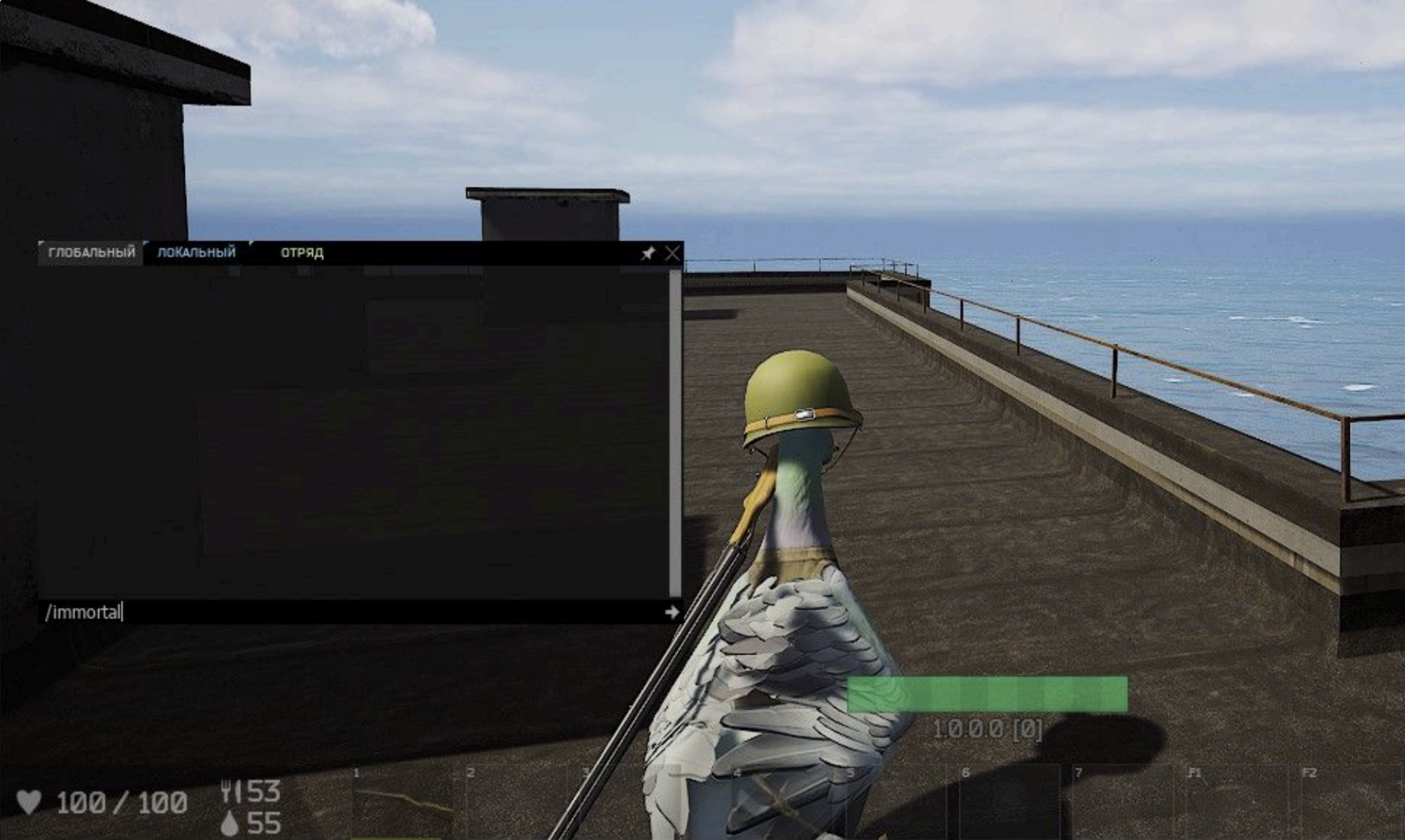
Cheats List:
/immortalor/i- Make you immortal./hi- Make you half-immortal; you receive only 1 damage from any damage source. It also prints who damaged you in the chat./allblueprintsor/allbp- Give you all item blueprints./researchblueprintsor/reallbp- Research all crafting items./hud- Turn on/off HUD UI./heal- Heal 100 HP./die- Kill your character./ff- Turn on/off friendly fire./startm#n- Start mission, wherenis mission difficulty./endm#n- End mission, wherenis mission difficulty./geo- Print your location in chat./invisible- Make you invisible to NPCs./killmissionbotsor/kmb- Kill all bots on the closest mission./chatadmin- Turn on/off admin chat color (only for admins)./dskin n- Change duck skin, wherenis skin index (from 0 to 7)./time hhor/time hh:mm- Change current daytime. 24-hour format, minutes can be omitted./day_len n- Change day length (in real-time minutes)./night_len n- Change night length (in real-time minutes)./stamina- Infinity stamina cheat./players- Display players on the map./bases- Display bases on the map./m1- Enter player invisible mode, enable (toggle) god mode with/i, invisible to bots with/invisible, infinity stamina with/stamina, show player names with/names. Use [CTRL] to fly without collision. Target sleeping ducks and budlings to show their owner's name. Disable any toggleable cheat by entering it again. For example, disable god mode with/i, or use/hito receive only 1 damage and get a text log of who damaged you./dir- Show other players' actor direction./m2- Same as/m1but with free camera and without the/namestoggle. Always disable/m1before entering/m2. With free cameras, it is hard to interact with items, for example, checking stashes./names- Show players' names within 100m.
Squad Commands (Accessible to All Players)
For Any Player
/squad- Show information about your squad./squad create "name" "description"- Create a new squad. "description" is optional./squad join "name"- Join a squad you have been invited to./squad leave- Leave your squad.
For Moderators Only*
/squad invite "player"- Invite a player to your squad./squad kick "player"- Kick a player from your squad./squad name "new_name"- Set a new name for your squad./squad description "new_description"or/squad desc "new_description"- Set a new description for your squad.
*Moderator - Creator of a squad. If a moderator leaves a squad, another randomly selected player becomes the moderator.
Need a Duckside server?
GG Host offers high performance, low latency servers and reliable support so your flock can explore, fight, and survive with total stability. Order your Duckside server now: https://www.gghost.games/store/duckside
